 MoveMonkey
How to Remind Yourself to Get Up with Just an iPhone, No Apple Watch
Based on what Apple says and our own testing on iOS 27, here’s whether iPhone has a stand reminder without Apple Watch, whether it records stand hours, and how you can remind yourself to get up.
Does iPhone have a stand-up reminder without Apple Watch?
iPhone on its own has no stand reminder. Stand reminders and stand hours are Apple Watch features.
Apple Watch tracks standing by the clock hour: if you stand up and move for at least a minute during an hour, that hour counts as a stand hour.[1] Your stand goal is how many stand hours you aim for in a day, and you can set it anywhere from 6 to 16 hours.[2] If you haven’t stood by minute 50 of an hour, you get a stand reminder.[3]
For the rest of how the stand reminder works, see Apple Watch’s Stand Reminder: What It Can and Can’t Do.
Does iPhone record stand hours without Apple Watch?
No. On its own, iPhone records your steps, distance, and flights climbed, not stand hours.
Apple says: “When you carry your iPhone with you, motion sensors track your steps, distance, and flights climbed to estimate active calories burned.”[4] So with iPhone alone, the Fitness app shows only the red Move ring. As Apple puts it: “And if you have an Apple Watch, you’ll also see a green Exercise ring … and a blue Stand ring …”[4]
How do you set up a stand-up reminder on iPhone without Apple Watch?
You can use the Reminders, Clock, or Shortcuts app that comes with iPhone to remind you on a schedule, but none of them knows whether you just got up.
iPhone’s built-in reminders vs. a stand-up reminder app at a glance
| Ways to get reminded on iPhone alone | How often | Setup | Starts over when you get up? |
|---|---|---|---|
| Reminders | At most once an hour | 2 for every half hour, both set to Hourly | No |
| Timer | Any length | Restart it by hand each time it goes off | No, restart it by hand |
| Alarms | At each time you set | One alarm for each time, turned off by hand | No |
| Shortcuts automation | At each Time of Day you add | One shortcut with several times | No |
| MoveMonkey stand-up reminder app | After 30, 45, 60, or 90 minutes of sitting | Set Remind After | Yes |
| Cost | Built-in ways are free | Core features are free forever |
For how to set up each one, see Can You Set the Apple Watch Stand Reminder to Every 30 Minutes? How to Get a Reminder Every Half Hour.[5][6][7][8]
We tested this on iOS 27: once a reminder in Reminders repeats Hourly, there’s no way to keep it to daytime, so it comes at night too. At night, you can turn on Do Not Disturb or another Focus to silence it.
Without Apple Watch, how does a stand-up reminder app know you got up?
With iPhone alone, what a stand-up reminder app can see is the steps you take while carrying your iPhone.[4] If you leave the phone on your desk, or stand at your desk without walking, it can’t tell you got up.
Stand-up reminder apps come in roughly two kinds. One reminds you at a fixed interval, like the built-in ways above, whether or not you got up. The other reads the steps your iPhone records, so it knows you got up only if you walked with your phone.
Say you sit down to work at 10:00 and get up for a glass of water at 10:20. If your phone stays on the desk, iPhone doesn’t record those steps, and an app that reads steps still counts from 10:00. If you take your phone with you, those steps are recorded, and it starts counting again from 10:20.
MoveMonkey, a stand-up reminder app, is the second kind: it counts from when you last got up. Walking with your iPhone, finishing a Get Up, or tapping Just Moved starts the timer over, and it reminds you only after you’ve sat for the time you set in Remind After (30, 45, 60, or 90 minutes).
Stand-up reminder app · Now available on the App Store
MoveMonkey: a stand-up reminder that counts from when you last got up
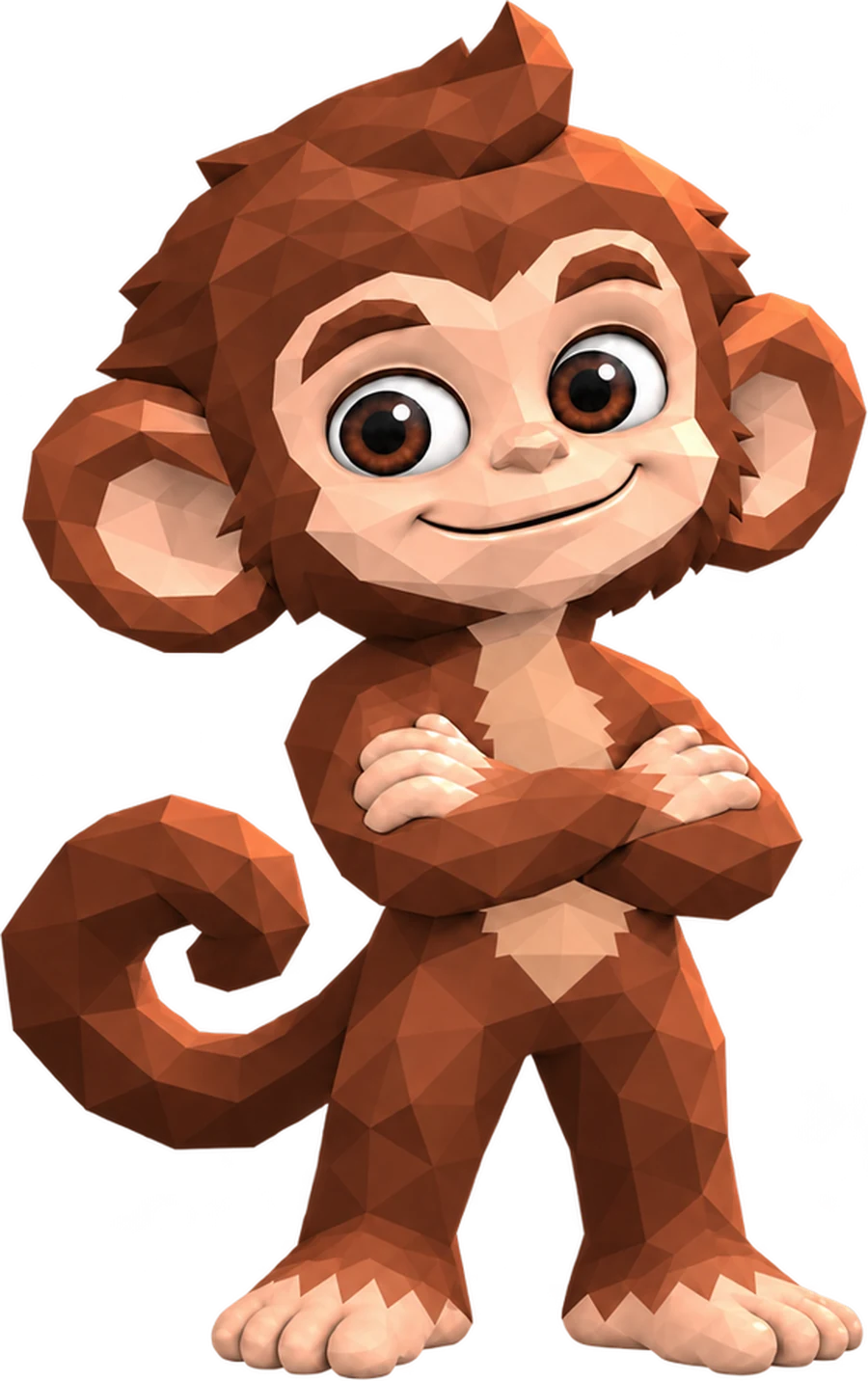
A little monkey reminds you only after you’ve sat for the time you set (30, 45, 60, or 90 minutes) since you last got up. It works on iPhone and Apple Watch, or on iPhone alone, and walking or standing starts the timer over.
It starts counting only after you’re up in the morning, can stay quiet during your Lunch Break, and reminds you only during the Reminder Hours you set.
Tap Get Up, walk for just a minute, and the monkey cheers for you.
MoveMonkey’s core features are free forever, with no ads.
Learn more about MoveMonkey →